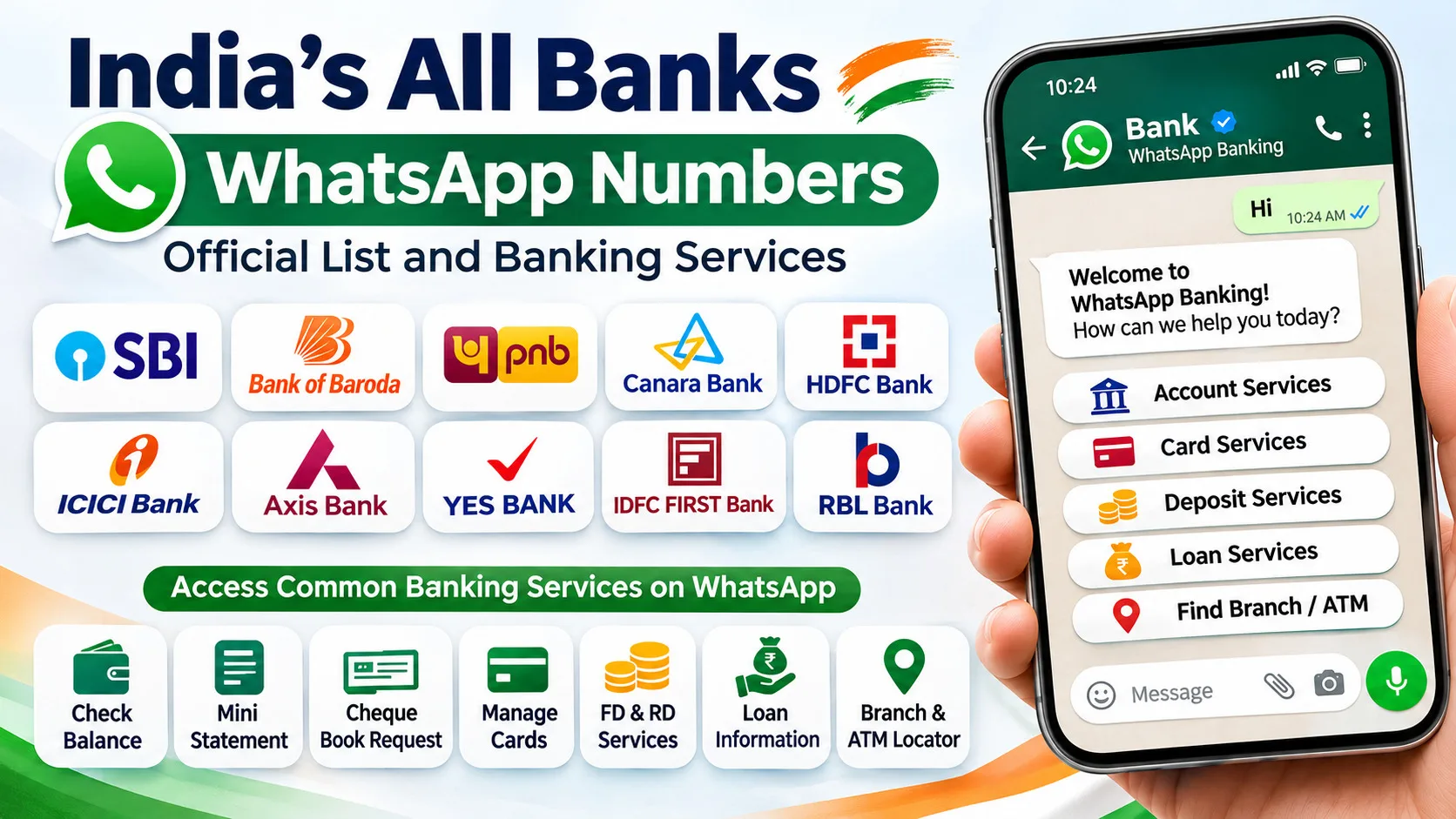
WhatsApp Banking allows customers to access selected banking services through WhatsApp without visiting a branch or opening their bank’s mobile banking app. Depending on the bank, customers can use it to check account balances, view mini statements, request cheque books, receive account-related information and access customer support.
Several public sector, private sector and payments banks in India provide WhatsApp Banking facilities. Each bank has its own official WhatsApp number and registration process. This guide lists the numbers that could be verified through official bank or government sources.
Official WhatsApp Banking Numbers of Banks in India
The following table contains WhatsApp Banking numbers for selected banks in India. Save the relevant number and follow the bank’s instructions before using the service.
| Bank Name | Official WhatsApp Banking Number |
|---|---|
| State Bank of India (SBI) | +91 90226 90226 |
| Bank of Baroda | +91 84338 88777 |
| Punjab National Bank (PNB) | +91 92640 92640 |
| Canara Bank | +91 90760 30001 |
| Indian Bank | +91 87544 24242 |
| Indian Overseas Bank (IOB) | +91 96777 11234 |
| HDFC Bank | +91 70700 22222 |
| ICICI Bank | +91 86400 86400 |
| Axis Bank | +91 70361 65000 |
| YES BANK | +91 82912 01200 |
| IDFC FIRST Bank | +91 95555 55555 |
| RBL Bank | +91 84335 98888 |
| Airtel Payments Bank | +91 88006 88006 |
| India Post Payments Bank (IPPB) | +91 88007 56000 |
Important: Banks may change their WhatsApp Banking numbers or services. Check the number on the bank’s official website before sending a message. The list above includes numbers verified from official bank or government information; it should not be treated as a complete list of every bank in India.
How to Start WhatsApp Banking
The registration process is generally simple. Most banks allow customers to begin by sending a message to their official WhatsApp Banking number. Some banks may require an additional registration step.
- Save the official number: Add your bank’s verified WhatsApp Banking number to your phone contacts.
- Open WhatsApp: Use the mobile number linked to your bank account, where required.
- Send a message: Type “Hi” or the specific starting message mentioned by your bank.
- Follow the instructions: Read the automated response and select the service you want to use.
- Complete verification: If required, follow the bank’s authentication process to access account-related services.
For example, HDFC Bank asks users to send “SUB” to its WhatsApp Banking number to register. Other banks may allow customers to start by sending “Hi”. Always follow the instructions provided by the bank.
Services Available Through WhatsApp Banking
The services available depend on the bank and the customer’s account type. Common WhatsApp Banking facilities include:
- Account balance enquiry: Check the available balance in an eligible bank account.
- Mini statement: View details of recent account transactions.
- Account statements: Request an account statement for an available period.
- Cheque book services: Request a new cheque book or check related service information, where supported.
- Debit card assistance: Access selected debit card services, including card blocking options at participating banks.
- Credit card information: Check selected credit card details, outstanding amounts or available services, depending on the bank.
- Loan information: Find information about loan products, eligibility and application procedures.
- Branch and ATM locator: Find nearby bank branches and ATMs.
- Customer support: Get answers to common banking questions and information about banking products.
Not every bank provides all these facilities through WhatsApp. Some services may also require additional authentication or may be available only to existing customers.
Is WhatsApp Banking Safe?
WhatsApp Banking can be a convenient way to access basic banking information, but customers should take precautions before using it. Always start a conversation with the number published on the bank’s official website or app.
Keep these safety points in mind:
- Check the bank’s official WhatsApp profile and verification badge before sharing any information.
- Never share your ATM PIN, UPI PIN, CVV, internet banking password or OTP with anyone.
- Do not click on suspicious links received through WhatsApp messages.
- Do not install applications or share your screen at the request of an unknown person claiming to represent your bank.
- Remember that a genuine bank will not ask you to disclose confidential passwords or PINs through a WhatsApp chat.
- If you receive an unexpected message asking for money or sensitive information, verify it directly with your bank.
End-to-end encryption helps protect WhatsApp conversations, but it does not make every message or account claiming to represent a bank genuine. Customers should independently verify the contact before starting a conversation.
Frequently Asked Questions About Banks’ WhatsApp Numbers
1. How can I find my bank’s official WhatsApp number?
Visit your bank’s official website and look for its WhatsApp Banking or Digital Banking section. You can also check the bank’s official mobile app or contact customer support to confirm the number. Avoid relying on forwarded messages or numbers shared by unknown sources.
2. Can I check my bank balance through WhatsApp?
Yes, many banks allow eligible customers to check their account balance through WhatsApp Banking. Save the official number, start a conversation and select the balance enquiry option. You may need to use your registered mobile number and complete the bank’s verification process.
3. Do I need to register for WhatsApp Banking?
Registration requirements vary between banks. Some banks allow customers to start by sending “Hi”, while others require a separate subscription or registration message. Follow the instructions provided on your bank’s official WhatsApp Banking page.
4. Can I use WhatsApp Banking without a bank account?
Some banks provide limited WhatsApp services to non-customers. These may include information about banking products, interest rates, branch locations and account-opening procedures. However, account-specific services such as balance enquiries and mini statements generally require an eligible bank account and authentication.
5. Is WhatsApp Banking available 24/7?
Many banks provide automated WhatsApp Banking services throughout the day, including weekends and public holidays. However, certain requests may have service-specific restrictions, and assistance from a customer support representative may be available only during designated hours.
6. Can I use WhatsApp Banking from a mobile number not registered with my bank?
Account-related services generally require the mobile number registered with the bank. If you send a message from another number, you may be able to access general information, but you might not be able to view account details or complete banking requests.
7. Are there any charges for WhatsApp Banking?
Many banks offer WhatsApp Banking without a separate service fee. However, internet data charges may apply according to your mobile or broadband plan. Check your bank’s terms and conditions for details.
Final Words
WhatsApp Banking makes it easier to access selected banking services through a familiar messaging platform. Customers can use it for routine enquiries, account information, card-related assistance and other services supported by their bank.
Before using any number listed in this guide, confirm that it is still published by the bank as its official WhatsApp Banking contact. Use your registered mobile number where required, follow the bank’s authentication process and never share confidential banking credentials in a chat.