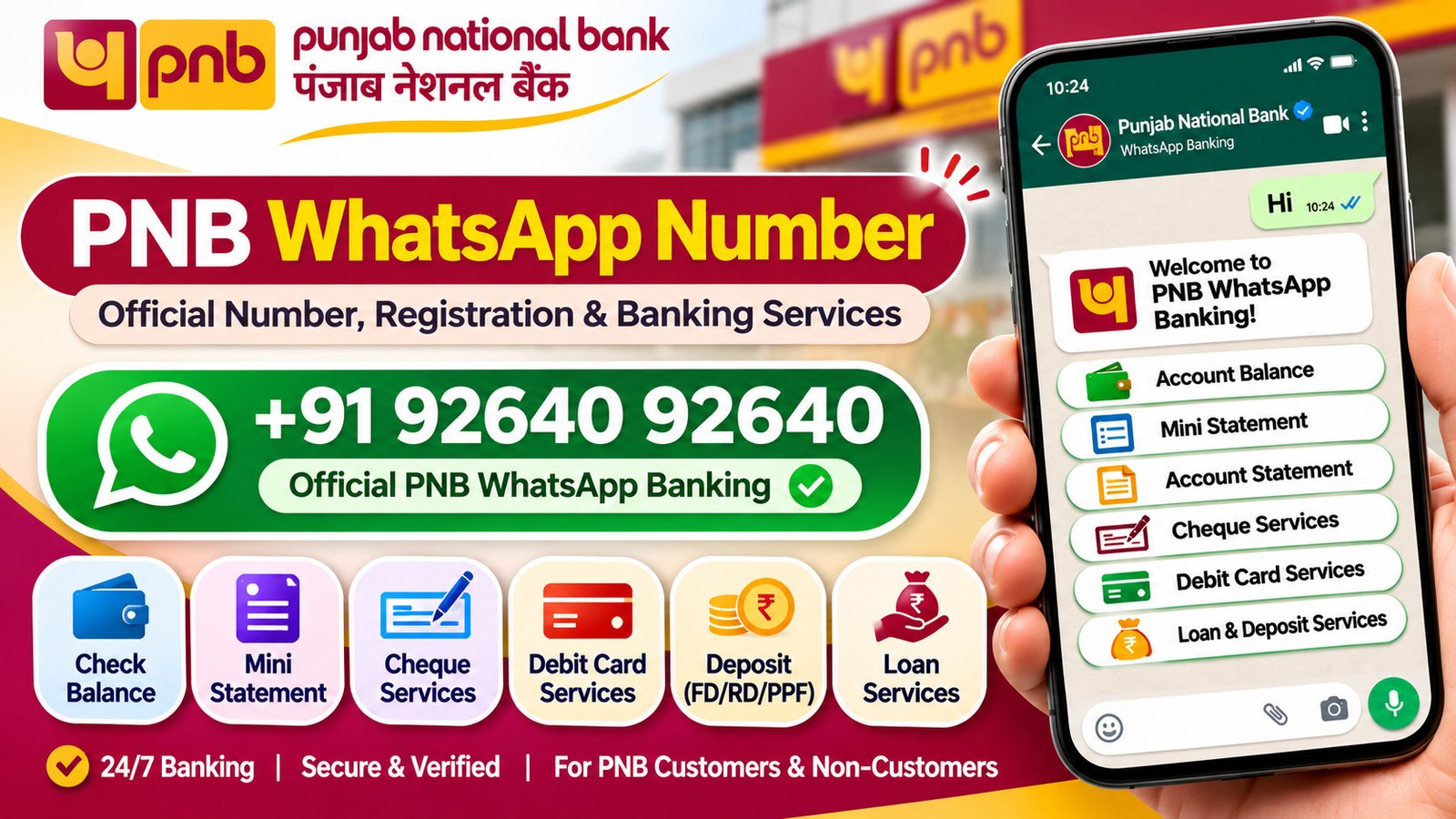
Punjab National Bank (PNB) offers WhatsApp Banking to help customers access banking services directly from their mobile phones. Instead of visiting a branch or logging in to internet banking for every small enquiry, customers can use WhatsApp to check account details, request statements, manage cheque services and access several other facilities.
The service is available 24 hours a day, making it easier to handle everyday banking requests at any time.
If you want to use PNB WhatsApp Banking, here is everything you need to know about its official number, registration process, available services, charges and security.
What is the official PNB WhatsApp Banking number?
The official WhatsApp Banking number of Punjab National Bank is:
+91 92640 92640
Save this number in your mobile contacts and send Hi or Hello on WhatsApp to get started.
Before sending a message, check that the account displays Punjab National Bank’s name and the green verification tick. PNB also uses a separate WhatsApp number to send important customer updates. However, +91 92640 92640 is the number customers should use to access WhatsApp Banking services.
How to register for PNB WhatsApp Banking
Getting started with PNB WhatsApp Banking is simple. You can begin using the service through your phone without visiting a bank branch just for registration.
Follow these steps:
- Save +91 92640 92640 in your mobile contacts.
- Open WhatsApp on your phone.
- Search for the saved PNB number and open the chat.
- Check that the account displays Punjab National Bank with the green verification tick.
- Send Hi or Hello.
- Wait for the bank’s response and follow the instructions.
- Select the banking service you want to use from the available options.
For account-related services, make sure you are using the mobile number registered with your PNB account. If you message the bank from another number, you may not be able to access account-specific facilities.
Who can use PNB WhatsApp Banking?
PNB provides WhatsApp Banking facilities to both existing customers and people who do not have a PNB account. However, the services available to these two groups are different.
For existing PNB customers
Account holders can access eligible account-related services, including:
- Account balance enquiry
- Account summary
- Last five transactions
- Account statement requests
- Cheque book requests
- Debit card services
- Deposit information
- Loan-related information
Customers must use their registered mobile number to access account-specific facilities.
For non-PNB customers
People who do not have a PNB account can still use selected information-based services, such as:
- Information about bank products and services
- Deposit and loan product details
- Interest rate enquiries
- Latest offers
- Branch and ATM locations
- Online account opening information
However, non-customers cannot access account-specific facilities such as balance enquiries or transaction details.
PNB WhatsApp Banking services
PNB offers several banking and information services through WhatsApp. These facilities can help customers handle common requests without visiting a branch for every enquiry.
Here are the main services available.
1. Account-related services
Customers can use WhatsApp to access selected information about their PNB accounts.
Available facilities include:
- Account balance enquiry
- Account summary
- Last five transactions
- Account statement download
- PPF balance enquiry
- Sukanya Samriddhi account balance
- E-statement registration
- Email ID update
- Nominee addition
- Account scheme change
One useful facility is the account statement request. Customers can request statements for the last week, last month or a custom date range of up to 90 days. The statement is provided as a password-protected PDF.
2. Cheque-related services
Customers who regularly use cheques can access several cheque-related facilities through PNB WhatsApp Banking.
These include:
- Request a new cheque book
- Check cheque status
- Stop cheque payment
- Access Positive Pay System services
These options can save time when customers need to check a cheque request or take action on an issued cheque. The availability of individual requests may depend on the account’s operating instructions and bank rules.
3. Debit card services
PNB also provides selected debit card facilities through WhatsApp. Customers can use these options to manage their cards and control certain card settings.
Available services include:
- Apply for a debit card
- Reduce debit card limits
- Enable card transaction channels
- Disable card transaction channels
- Generate Green PIN OTP
- Temporarily disable or permanently block a debit card
For example, if your debit card is lost, you can use the debit card services menu to access the blocking facility. Customers can also contact the bank through its official customer care channels for assistance.
4. Emergency banking services
Some banking problems require quick action. PNB provides selected emergency facilities through WhatsApp so customers can take action without first visiting a branch.
These include:
- Block UPI
- Block debit card
- Disable internet banking
- Disable mobile banking
- Stop cheque payment
These services can be useful if you suspect unauthorised activity or want to restrict access to a banking channel. If you notice an unauthorised transaction, contact the bank immediately through its official customer care channels as well.
5. Loan and deposit services
Customers can also use PNB WhatsApp Banking to access selected loan and deposit-related facilities.
These include:
- Open a fixed deposit
- Check deposit summary
- Download interest certificates
- Access Form 15G and Form 15H
- Check loan eligibility
- Get information about loan products
The interest certificate facility is useful when customers need documents for tax filing or financial records. Eligible customers can request interest certificates for certain loan and deposit accounts.
6. Credit card services
PNB credit card holders can access selected credit card information through WhatsApp.
The listed facilities include:
- Credit card summary
- Rewards points enquiry
- Last five transactions
- Credit card application tracking
These options are useful when customers want to check basic card information without logging in to a separate banking platform.
7. Other information and online services
Apart from account-related facilities, PNB WhatsApp Banking provides several useful information services.
Customers can use it to:
- Check bank holiday details
- Find nearby PNB branches and ATMs
- Check locker availability
- Get information about pre-approved offers
- Explore debit and credit card offers
- Access banking forms and user guides
- Get information about NRI services
- Link Aadhaar to an account
- Explore PNB’s digital banking products
- Get information about opening an account online
These services also make WhatsApp Banking useful for people who are exploring PNB’s products and facilities.
How to check your PNB account balance through WhatsApp
Checking your account balance is one of the most commonly used WhatsApp Banking facilities.
To check your balance:
- Open WhatsApp and find the official PNB chat.
- Send Hi to +91 92640 92640.
- Wait for the bank’s response.
- Select the account-related services option.
- Choose the balance enquiry facility.
- Follow the instructions displayed in the chat.
Make sure you are using the mobile number registered with your PNB account. The bank needs to identify your account before displaying account-specific information.
How to get a PNB mini statement on WhatsApp
If you want to check your recent account activity, you can use the mini statement facility.
Follow these steps:
- Send Hi to the official PNB WhatsApp number.
- Select the account-related services option.
- Choose the option for the last five transactions.
- Follow the on-screen instructions.
- Check the transaction details provided by the bank.
The mini statement helps you review recent deposits and withdrawals without requesting a complete account statement.
How to download a PNB bank statement through WhatsApp
PNB allows eligible customers to request an account statement directly through WhatsApp.
You can request a statement for:
- The last seven days
- The last one month
- A custom date range of up to 90 days
To request it, start a conversation with PNB’s official WhatsApp number and select the account statement option under account-related services. Choose the required period and follow the instructions.
The bank sends the statement as a password-protected PDF. Follow the password instructions provided by PNB to open the document.
Is PNB WhatsApp Banking available 24/7?
Yes. PNB states that its WhatsApp Banking service is available 24 hours a day, 365 days a year, including Sundays and bank holidays.
This means customers can access supported services whenever they need them rather than waiting for regular branch working hours.
However, some requests may depend on account eligibility, bank guidelines or the availability of a particular service.
Is PNB WhatsApp Banking free?
Yes. PNB currently states that there is no charge for using its WhatsApp Banking service.
Customers should still account for any standard internet or mobile data charges applied by their telecom provider.
Can NRI customers use PNB WhatsApp Banking?
Yes. PNB permits customers using mobile numbers from selected countries to access its WhatsApp Banking service.
The countries listed by the bank include:
- India
- United States
- United Kingdom
- United Arab Emirates
- Canada
- Philippines
NRI customers should use an eligible mobile number and check the bank’s current terms and conditions before accessing account-related facilities.
Is PNB WhatsApp Banking safe?
PNB states that its WhatsApp Banking conversations are protected by end-to-end encryption. However, customers should still take precautions when using the service.
Keep these points in mind:
- Always use the official number +91 92640 92640.
- Check the green verification tick and bank name before chatting.
- Never share your ATM PIN, UPI PIN, internet banking password or OTP with anyone.
- Avoid opening suspicious links or downloading files from unverified WhatsApp accounts.
- Do not trust a number simply because it uses PNB’s logo or profile picture.
- Report suspicious accounts pretending to represent the bank.
PNB advises customers to be careful with messages from unverified numbers. If you receive a suspicious message claiming to be from the bank, verify it through official PNB channels before taking any action.
What to do if PNB WhatsApp Banking is not working
Sometimes customers may be unable to access a service or receive an error message. This can happen for several reasons.
Here are a few things to check:
1. Check your registered mobile number
Account-related services require the WhatsApp number to be registered with PNB. If you are using a different number, the bank may not be able to identify your account.
2. Check the official WhatsApp number
Make sure you have saved and messaged +91 92640 92640. Do not use an unverified number claiming to offer PNB banking services.
3. Check account eligibility
PNB applies eligibility conditions to certain account types and services. Some accounts may not support every request.
4. Update WhatsApp
An outdated WhatsApp application or a temporary connectivity issue may affect message delivery. Check your internet connection and update the app if needed.
5. Contact PNB customer care
If the problem continues, contact the bank through its official customer care channels.
PNB customer care numbers include:
- 1800 1800
- 1800 2021
- +91 120 2490000 for global users
Confirm the latest contact details through PNB’s official website before calling.
Frequently asked questions about PNB WhatsApp Banking
1. What is the official PNB WhatsApp Banking number?
The official PNB WhatsApp Banking number is +91 92640 92640. Save it in your contacts and send Hi or Hello to start using the service.
2. How do I activate PNB WhatsApp Banking?
Save the official number, open WhatsApp and send Hi or Hello. Follow the instructions in the chat to access the available services.
3. Can I check my PNB balance through WhatsApp?
Yes. Eligible PNB account holders can use the balance enquiry option through WhatsApp. You must use the mobile number registered with the bank.
4. Can non-PNB customers use WhatsApp Banking?
Yes. Non-customers can access selected information services, such as product details, offers, interest rates and branch or ATM locations. They cannot access account-specific services.
5. Can I download my PNB account statement through WhatsApp?
Yes. Eligible customers can request statements for the last week, last month or a custom period of up to 90 days. The statement is delivered as a password-protected PDF.
6. Can I block my PNB debit card through WhatsApp?
Yes. PNB lists a debit card blocking facility under its WhatsApp Banking services. Customers can follow the debit card menu instructions to access this option.
7. Is PNB WhatsApp Banking available on Sundays and holidays?
Yes. PNB states that the service is available 24 hours a day throughout the year, including Sundays and bank holidays.
8. Does PNB charge for WhatsApp Banking?
No. PNB currently states that there is no charge for using its WhatsApp Banking service.
9. Can I use PNB WhatsApp Banking from outside India?
Yes. PNB lists eligible mobile numbers from the USA, UK, UAE, Canada and the Philippines, along with India.
10. Is 95400 04677 the PNB WhatsApp Banking number?
PNB identifies this number as one used for sending important customer updates. For accessing banking services, customers should use +91 92640 92640.
Final thoughts
PNB WhatsApp Banking makes several everyday banking services easier to access. Customers can check account balances, review recent transactions, request statements, manage cheque services and use selected debit card and emergency facilities through WhatsApp.
To get started, save +91 92640 92640 and send Hi or Hello. Always verify the bank’s WhatsApp account before sharing any information, and use your registered mobile number for account-related services.
The available services and eligibility conditions may change, so check PNB’s latest official information before using a particular facility.