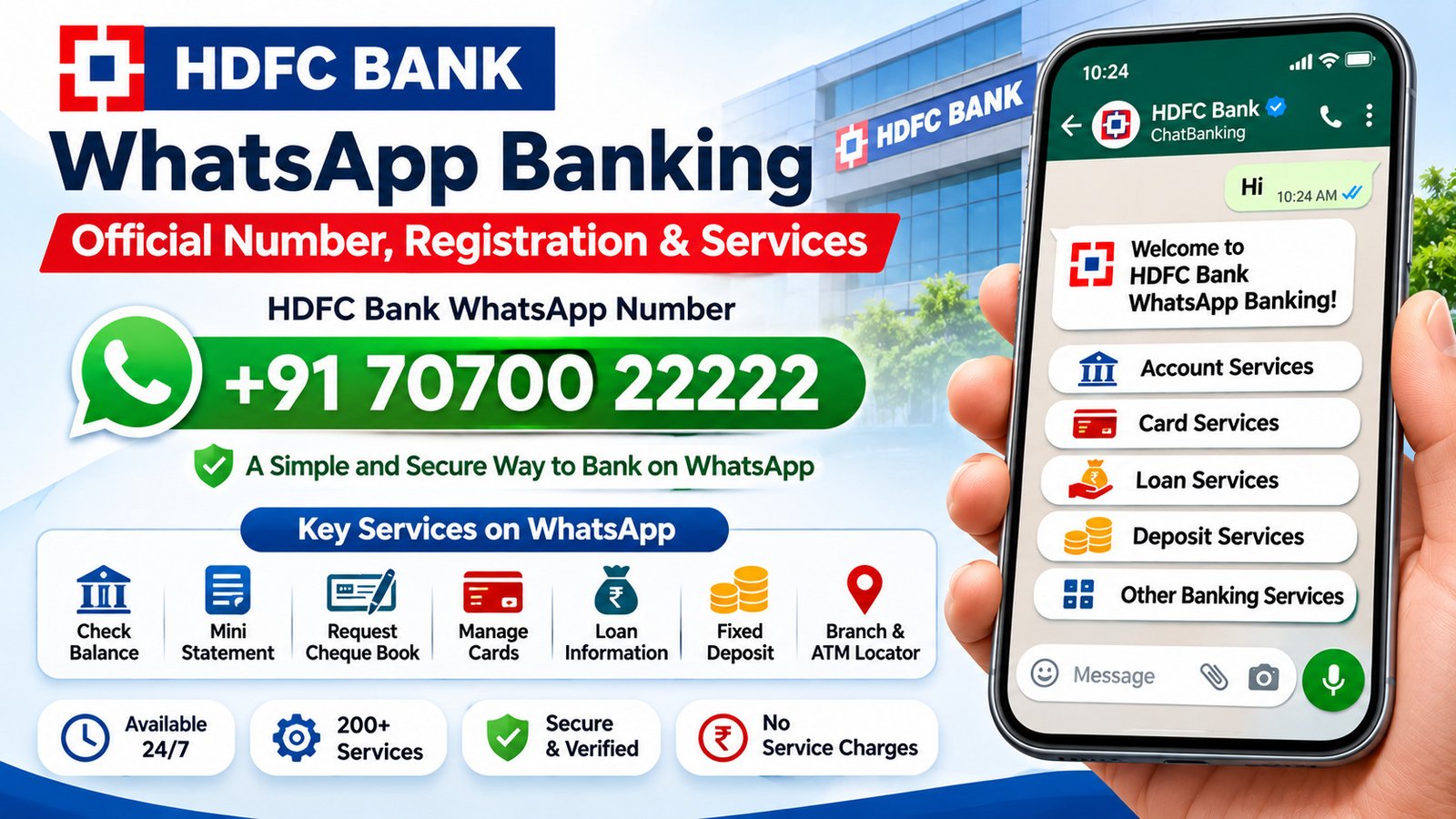
HDFC Bank WhatsApp Banking allows customers to access banking services through WhatsApp without visiting a branch or logging in to NetBanking. Customers can use this service to check account details, request statements, manage debit and credit card services, get loan information and access other banking facilities.
HDFC Bank provides this facility through its ChatBanking service, which supports more than 200 banking services and transactions. Customers can start a conversation with the bank’s official WhatsApp number and follow the instructions to register.
HDFC Bank WhatsApp Number
The official HDFC Bank WhatsApp Banking number is:
HDFC Bank WhatsApp Number: +91 70700 22222
Save this number in your mobile contacts and open WhatsApp to start a conversation. Send “Hi” or “Register” from the mobile number registered with your HDFC Bank account.
Before sharing any information, check that the WhatsApp account displays the official HDFC Bank verified blue tick. The bank identifies 7070022222 as its authorised ChatBanking number.
How to Register for HDFC Bank WhatsApp Banking
HDFC Bank offers a simple registration process for its WhatsApp ChatBanking service. You need your bank-registered mobile number and access to receive an OTP.
- Save the WhatsApp number: Add +91 70700 22222 to your mobile contacts.
- Open WhatsApp: Launch WhatsApp on the phone containing your registered mobile number.
- Start a conversation: Open the saved HDFC Bank contact and send “Hi” or “Register”.
- Receive the OTP: HDFC Bank will send a one-time password to your registered mobile number through SMS.
- Enter the OTP: Type the OTP in the WhatsApp conversation as instructed.
- Complete registration: After successful verification, you can access the available ChatBanking services.
Once registered, you can type your query, select an available service from the chat menu or use voice notes where supported. The bank’s ChatBanking service does not require customers to remember a fixed list of keywords.
Services Available Through HDFC Bank WhatsApp Banking
HDFC Bank offers services across accounts, credit cards, debit cards, loans, deposits and other banking products through WhatsApp ChatBanking. The services available to you may depend on your relationship with the bank and the verification completed during registration.
1. Account Services
Customers can use WhatsApp Banking to access several account-related facilities, including:
- Check account balance.
- View recent account transactions.
- Request an account statement.
- View account summary and account details.
- Request a cheque book.
- Check the status of an issued cheque.
- Request cheque stop payment.
- View account branch and IFSC details.
- Update registered email and mobile number, where available.
- Manage beneficiary-related services.
- Access interest certificates and balance certificates.
- Update PAN and nomination details, where supported.
2. Credit Card Services
HDFC Bank customers with eligible credit cards can access card-related information and services through WhatsApp ChatBanking. Available facilities include:
- Access credit card-related information.
- Check available card services and offers.
- Manage selected card settings.
- Request assistance with card-related issues.
- Access card blocking or hotlisting options.
Customers who have only an HDFC Bank credit card can also register for ChatBanking. The bank provides a separate registration option using the last four digits of the credit card and an OTP sent to the registered mobile number.
3. Debit Card Services
WhatsApp ChatBanking also provides selected debit card facilities. Depending on the available options, customers can:
- Access debit card-related services.
- Change or manage the debit card PIN.
- Raise a debit card transaction dispute.
- Get assistance with card-related requests.
4. Loan Services
Customers with HDFC Bank loan accounts can use ChatBanking to access loan-related information and available services. The bank also allows customers who only have a loan relationship to register using the last four digits of their loan number and an OTP sent to their registered mobile number.
Available loan services and information may vary depending on the loan product and customer eligibility.
5. Fixed Deposit and Recurring Deposit Services
HDFC Bank ChatBanking includes deposit-related facilities. Customers can explore fixed deposit and other deposit services through the WhatsApp conversation. The available options may include booking an eligible fixed deposit and accessing related information.
6. Other Banking Services
In addition to account and card facilities, HDFC Bank provides access to other product and service categories through ChatBanking, including:
- FASTag-related services.
- National Pension System (NPS) services.
- Insurance-related information and services.
- SMART EMI services.
- Product information and application assistance.
The exact services displayed in the chat may change as HDFC Bank updates its digital banking facilities.
HDFC Bank WhatsApp Banking for Non-Customers
People who do not have an HDFC Bank account can also use WhatsApp ChatBanking for selected services. Non-customers can ask questions about the bank’s products, explore available facilities and apply for products such as accounts, cards and loans.
However, account-specific facilities such as balance enquiries and transaction details require an eligible banking relationship and the necessary authentication.
Can HDFC Bank Credit Card and Loan-Only Customers Use WhatsApp Banking?
Yes. HDFC Bank allows customers with only a credit card or loan account to register for WhatsApp ChatBanking.
Credit card customers: Customers who only hold an HDFC Bank credit card can register using the last four digits of their credit card number and the OTP received on their registered mobile number.
Loan customers: Customers who only have an HDFC Bank loan account can register using the last four digits of their loan number and the OTP sent to their registered mobile number.
Customers with multiple accounts, cards or loans linked to the same customer ID can access and manage the available services for those relationships through ChatBanking.
Is HDFC Bank WhatsApp Banking Available 24/7?
Yes. HDFC Bank states that its WhatsApp ChatBanking service is available 24 hours a day, seven days a week, throughout the year, including bank holidays.
This allows customers to access supported automated banking services without depending on regular branch working hours. Some requests may still be subject to service-specific conditions or processing timelines.
Is HDFC Bank WhatsApp Banking Free?
HDFC Bank states that there are no charges for subscribing to or using its WhatsApp ChatBanking service. Customers can use the available facilities without paying a separate ChatBanking subscription fee.
However, internet data charges may apply according to the customer’s mobile network or data plan.
Which Languages Are Supported by HDFC Bank WhatsApp Banking?
HDFC Bank ChatBanking supports English, Hindi and Hinglish. Customers can type their queries or use the supported chat features to access banking information in these languages.
The language options available may depend on the service and interaction being used.
Is HDFC Bank WhatsApp Banking Safe?
HDFC Bank provides security features for its WhatsApp ChatBanking service, including end-to-end encrypted conversations and two-factor authentication during registration. The service is designed to allow customers to access banking facilities through the bank’s verified WhatsApp account.
Customers should still follow basic banking security practices while using the service.
- Use only the official HDFC Bank WhatsApp number, +91 70700 22222.
- Check the verified blue tick before starting a conversation.
- Register using your mobile number linked to the bank.
- Never share your ATM PIN, UPI PIN, CVV or NetBanking password in a chat.
- Never disclose an OTP to a caller or another person claiming to represent the bank.
- Avoid clicking on suspicious links or downloading unknown files received through WhatsApp.
- Do not share your phone screen or install remote-access applications at the request of unknown individuals.
If you receive a suspicious message claiming to be from HDFC Bank, do not respond with sensitive information. Verify the communication through the bank’s official customer support channels.
How to De-Register from HDFC Bank WhatsApp Banking
If you no longer want to use HDFC Bank ChatBanking, you can request de-registration through WhatsApp.
- Open the WhatsApp conversation with the official HDFC Bank number.
- Type and send “De-Register”.
- Follow the instructions provided in the chat to complete the process.
After de-registration, you will no longer be able to use the WhatsApp ChatBanking services until you register again. To use the service later, send “Hi” to the official number and follow the registration instructions.
What to Do If HDFC Bank WhatsApp Banking Is Not Working
If you cannot register or access HDFC Bank WhatsApp Banking, check the following points before trying again:
- Check your mobile number: Make sure you are using the mobile number registered with HDFC Bank.
- Verify the contact number: Confirm that you have saved +91 70700 22222 correctly.
- Check your internet connection: Make sure WhatsApp can send and receive messages.
- Try the registration message again: Send “Hi” or “Register” to begin the process.
- Check OTP delivery: Confirm that your registered mobile number can receive SMS messages.
- Follow the verification instructions: Enter the OTP as requested in the chat.
- Update WhatsApp: Use an updated version of the application and try again.
If the issue continues, contact HDFC Bank through its official customer support channels for assistance.
HDFC Bank WhatsApp Banking Customer Care
HDFC Bank’s WhatsApp number is intended for chat-based banking and cannot be used to make a phone call. If you need to speak with customer support, the bank lists the following PhoneBanking numbers:
HDFC Bank PhoneBanking Numbers:
- 1800 1600
- 1800 2600
You can also contact the bank through its official customer support channels for help with registration, account-related queries or other banking issues.
Frequently Asked Questions About HDFC Bank WhatsApp Banking
1. What is the official HDFC Bank WhatsApp number?
The official HDFC Bank WhatsApp ChatBanking number is +91 70700 22222. Save this number and send “Hi” or “Register” from your bank-registered mobile number to begin.
2. How can I check my HDFC Bank account balance on WhatsApp?
Register for HDFC Bank ChatBanking using your registered mobile number and OTP. Once registration is complete, select the account balance enquiry option or type your query in the WhatsApp chat.
3. Can I download my HDFC Bank statement through WhatsApp?
Yes. HDFC Bank provides an account statement request facility through WhatsApp ChatBanking. After registration, select the statement service and follow the instructions provided in the conversation.
4. Can I use HDFC Bank WhatsApp Banking without a savings account?
Yes. HDFC Bank allows non-customers to use selected ChatBanking facilities, including product enquiries and applications. Customers who only have an eligible credit card or loan account can also register through the relevant verification process.
5. Is HDFC Bank WhatsApp Banking available on holidays?
Yes. HDFC Bank states that its ChatBanking service is available 24/7, including weekends and bank holidays.
6. Do I need to use my registered mobile number?
Yes. Registration for account-related ChatBanking services must be completed using the mobile number registered with HDFC Bank. The bank sends an OTP to this number for verification.
7. Can I use HDFC Bank WhatsApp Banking for credit card services?
Yes. HDFC Bank provides credit card-related services through WhatsApp ChatBanking. Customers who only hold an HDFC Bank credit card can also register using the last four digits of their card number and an OTP.
8. Can I call the HDFC Bank WhatsApp number?
No. The WhatsApp ChatBanking number is intended for messaging and does not provide a calling facility. For phone assistance, contact HDFC Bank through its PhoneBanking numbers, 1800 1600 or 1800 2600.
9. What should I do if I change my registered mobile number?
If you change your mobile number, update your contact details with HDFC Bank first. WhatsApp ChatBanking registration and account-related verification depend on the mobile number recorded with the bank.
10. Are there any charges for using HDFC Bank WhatsApp Banking?
HDFC Bank states that it does not charge customers for subscribing to or using WhatsApp ChatBanking. Standard internet data charges from your telecom provider may still apply.
Conclusion
HDFC Bank WhatsApp Banking provides a convenient way to access selected banking services through WhatsApp. Customers can use ChatBanking for account enquiries, statements, debit and credit card services, loan information, deposit facilities and other banking needs.
To get started, save the official HDFC Bank WhatsApp number, +91 70700 22222, and send “Hi” or “Register” from your registered mobile number. Complete OTP verification and follow the options available in the chat.
Always verify the bank’s WhatsApp account before sharing information and never disclose confidential banking credentials. For services that require personal assistance, use HDFC Bank’s official customer support channels.